Features Modes Launcher Gallery Get App
๐Ÿ”ฆ BRIGHT LED ยท SOS ยท LAUNCHER

Bright Light, Anytime You Need

Flashlight Max turns your Android phone into a convenient LED flashlight for everyday situations. Whether you're looking for something in the dark, walking at night, or dealing with a power outage โ€” Flashlight Max makes it easy to access your phone's built-in light.

๐Ÿ”ฆBright LED
๐ŸšจSOS Mode
๐Ÿ Launcher
Flashlight Max app screen
๐Ÿ”ฆ
Instant Light1-tap on
๐Ÿšจ
SOS SignalVisible flash
KEY FEATURES

Simple Tools That
Just Work

A straightforward design, useful lighting modes, and optional home screen launcher features โ€” practical tools together in one app.

๐Ÿ”ฆ

Bright LED Flashlight

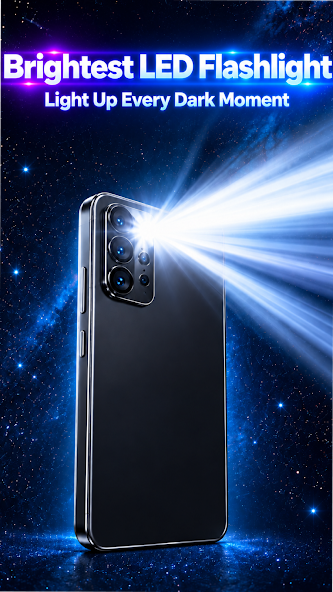
Turn your phone's built-in LED flashlight on or off with a simple tap. Get convenient lighting whenever you need extra visibility.

โšก

Quick & Easy Access

No complicated controls. Open Flashlight Max and access the flashlight features in seconds. The simple interface makes everyday lighting easy to use.

๐Ÿšจ

SOS Flashlight Mode

Use the SOS flashing mode when you need a visible light signal. Provides a recognizable flashing pattern that may help attract attention in appropriate situations.

๐Ÿ’ก

Multiple Flash Modes

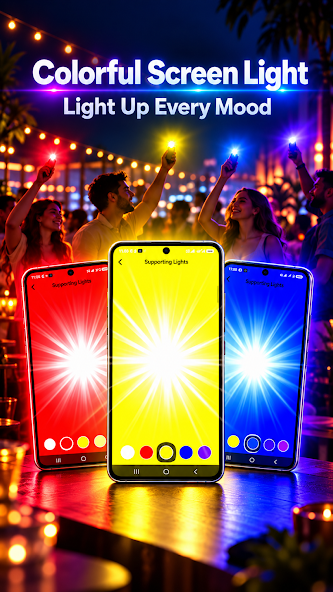
Choose from available flashing modes for different situations. Switch between supported lighting patterns using easy-to-understand controls.

๐Ÿ 

Convenient Home Launcher

Flashlight Max also includes optional launcher functionality to help you access and organize your applications from your home screen.

๐ŸŒ™

Useful for Everyday Moments

Find your keys in the dark, look inside bags or drawers, see during a power outage, find objects under furniture, light up a dark area, navigate low-light environments, or use a flashing light signal โ€” Flashlight Max gives you quick access to practical lighting tools.

FLASH MODES

The Right Light for
Every Situation

Steady LightContinuous bright LED for dark rooms and night walking
SOS SignalClassic SOS flash pattern for visible signaling
Strobe FlashFast flashing mode to get attention when needed
OPTIONAL LAUNCHER

A Convenient
Home Screen

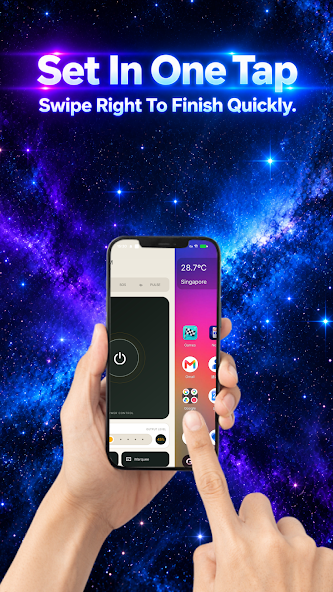
Flashlight Max includes optional launcher functionality to help you access and organize your applications. When you choose Flashlight Max as your default Home app, you can view installed applications, access apps from your home screen, organize your applications, and navigate through a simple launcher interface.

โ†ฉ๏ธ You can change your default Home app at any time through Android device settings. The launcher is optional โ€” you don't have to use it to enjoy the flashlight features.
Launcher home screen preview

Keep a Handy Light
On Your Phone

From everyday tasks to unexpected dark situations, Flashlight Max gives you quick access to practical lighting tools. Download now and enjoy convenient LED flashlight controls.

Get It On Google Play

Free to download ยท Bright flashlight ยท SOS ยท Multiple flash modes ยท Optional launcher